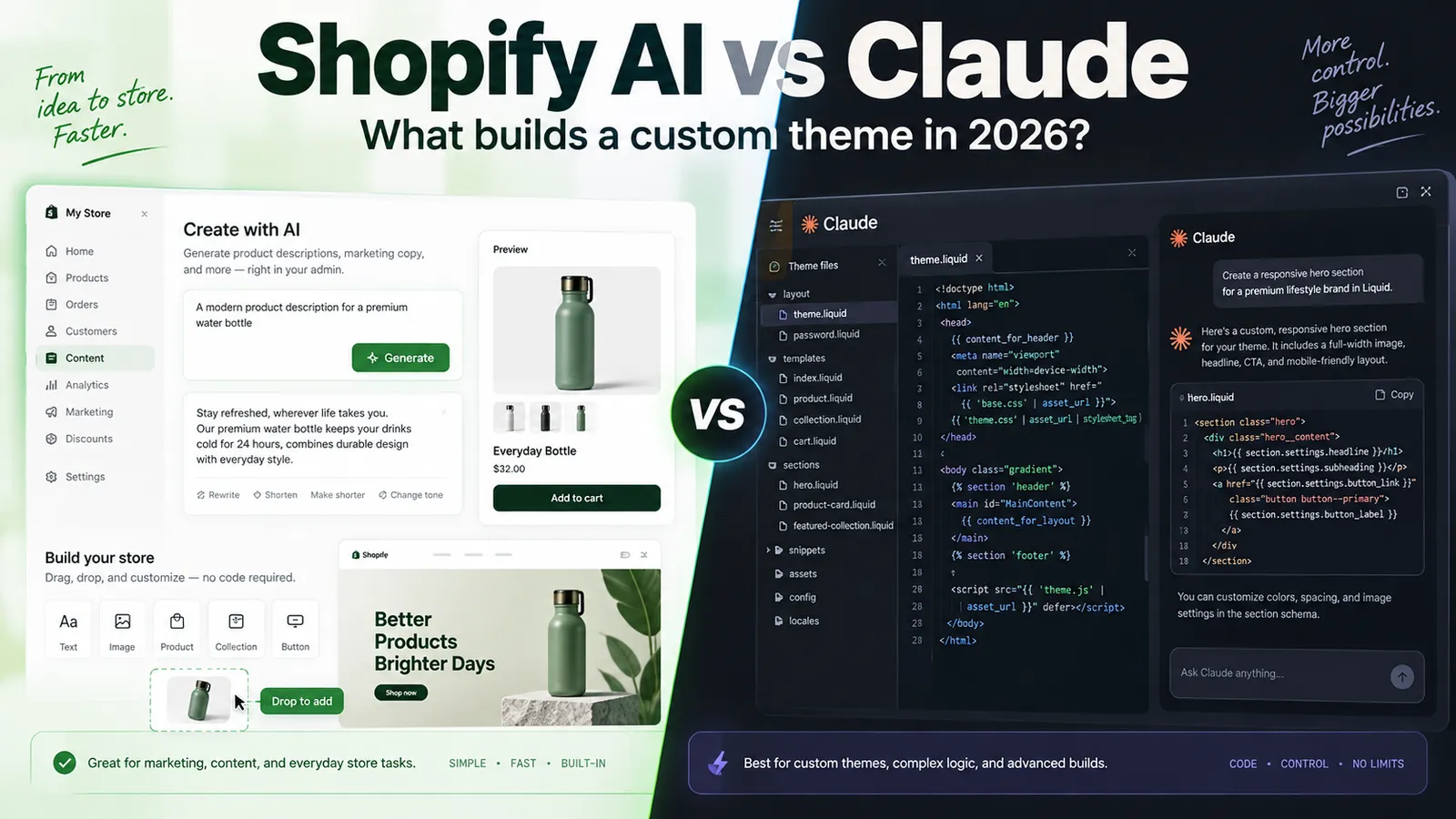
This space moves fast - see the note on dating at the end.
If you run a Shopify store, you have been handed a lot of AI in the last eighteen months.
Some of it is genuinely useful. Some of it is marketing.
And a good part of the confusion comes from the fact that Shopify's AI and a frontier model like Claude working directly on your store are not really competing products at all.
They solve different problems, at different levels of difficulty, for different people.
This article is about the development side specifically: theme work, sections, components, and custom builds. A second piece will cover analytics.
The short version:
Shopify's own AI inside the admin is good at simple, bounded, repetitive work. Writing a product description. Adding a standard section. Setting up an automation. It is already there, it is included with Shopify, and for a lot of stores it is enough.
For advanced work - a genuinely custom theme, a component that does something no existing theme does, or reworking a paid theme around your business - a state-of-the-art model working with your actual codebase is in a different category.
The reason is partly technical and partly economic.
And it is worth understanding before deciding what you actually need.
What Shopify's AI in the Admin Is Actually For
Shopify has shipped a lot of AI functionality, so it helps to separate the different pieces.
Shopify Magic
Magic is the umbrella name for Shopify's generative AI built directly into the merchant admin.
It appears across product descriptions, email subject lines, blog content, storefront page copy, and customer support response templates. It is available across Shopify plans without a separate AI subscription.
This is primarily a content tool.
It saves real time on writing tasks you would otherwise do yourself or pay someone to do.
It is not a full development environment, and it does not need to be.
Sidekick
Sidekick is Shopify's conversational assistant inside the admin.
It allows merchants to query store information, request operational actions, and receive recommendations using natural language rather than navigating through every part of the dashboard manually.
Its capabilities have expanded considerably.
By 2026, Sidekick can help with tasks such as:
- Creating to-do lists
- Producing business recommendations
- Adding theme blocks
- Handling some theme and app customizations
- Building customer segments
- Creating Shopify Flow workflows
- Using voice chat on mobile
The theme functionality is particularly interesting because this is where many store owners get their first experience of something that feels like:
"AI is building my Shopify store."
That is useful.
But it is not the same thing as giving a coding agent access to an entire Shopify theme.
The AI Store Builder
Shopify can now generate sections, layouts, and store designs based on descriptions of what the merchant wants.
This is one of the most impressive additions for people starting a store.
Instead of manually assembling every part of a page, you can describe the direction and let Shopify generate a starting point.
For early-stage stores, simple landing pages, standard ecommerce layouts, and rapid experimentation, this can remove a lot of work.
It can also create misplaced expectations about what AI-generated Shopify development currently means.
Generating a storefront and engineering a custom ecommerce system are still very different jobs.
The AI Toolkit, Which Is Not What Most People Think
This one causes genuine confusion.
The Shopify AI Toolkit is developer infrastructure rather than simply another merchant-facing AI assistant.
One of its purposes is enabling coding agents and development tools to interact properly with Shopify.
That means something important:
Shopify is not necessarily trying to replace tools like Claude with the AI Toolkit. Shopify is also building infrastructure that lets tools like Claude work more effectively with Shopify.
That distinction matters.
Where Shopify's Built-In AI Stops, and Why
There are two major reasons the built-in tools eventually plateau.
Neither is really a criticism of Shopify.
Reason One: The Economics
Shopify serves millions of merchants.
Running an expensive frontier model with large context windows, long reasoning sessions, repository-level access, repeated testing, and multiple development iterations for every merchant would be extremely expensive.
Especially when the AI functionality is being included inside normal Shopify subscriptions.
So the AI available through merchant-facing features has to be optimized around things such as:
- Speed
- Reliability
- Cost
- Safety
- Common merchant requests
That is the correct engineering decision for Shopify.
But it also creates a natural ceiling.
You tend to notice that ceiling when the request becomes highly specific.
Ask for a standard testimonial section and you can get something reasonable.
Ask for a size-guide component that pulls information from metafields, changes depending on product type, handles missing data correctly, integrates with your existing design system, and behaves differently on mobile?
That is a very different problem.
Reason Two: The Harness
Even when a powerful model is involved, the model you interact with through a product is operating inside a harness.
There can be:
- System instructions
- Security restrictions
- Context limitations
- Time limitations
- Restrictions on which files it can access
- Restrictions on which actions it can perform
- Limits designed to protect the live store
Those restrictions exist for good reasons.
You probably do not want an AI assistant casually rewriting twenty production files because you asked it to make your product cards "look nicer."
But those protections also limit what the model can do.
A coding agent pointed at your actual theme repository operates very differently.
It can potentially read the entire codebase.
It can understand how sections relate to snippets, templates, assets, schemas, JavaScript, and styles.
It can modify several connected files.
It can inspect how similar components were already implemented.
And it can review its own changes in the wider context of the theme.
That is the real gap.
It is not only about which model is smarter.
It is about how much of the actual problem the model is allowed to see.
What "Claude Connected to Your Store" Actually Means
There are several different setups people can mean when they say they are using Claude with Shopify.
They should not be treated as the same thing.
A Coding Agent Working on Your Theme Code
This is the main setup for development work.
Your Shopify theme files live locally or in a repository.
A coding agent can read those files, modify them, and show the changes before anything is deployed.
Now the model has access to things such as:
- Your Liquid templates
- Your CSS
- Your JavaScript
- Your schema definitions
- Existing sections
- Snippets
- Theme architecture
- Naming conventions
- Existing design patterns
That changes the quality of the output dramatically.
Instead of generating a generic component and hoping it fits your theme, the model can inspect how your theme already works and build around it.
A Custom App That Gives the Model Access to Store Data
This goes one step further.
It is something we have built for our own Shopify work at abZ Global.
A private Shopify application can query real store information through Shopify's APIs and expose the relevant data to the model.
That can include things such as:
- Products
- Variants
- Collections
- Orders
- Metafields
- Other store-specific information
For development, this matters more than it may initially sound.
Imagine building a component that displays product information.
A model working only from a theoretical schema can produce code that looks correct and works perfectly against a demo product.
Then you test it against the real catalogue.
One product has no image.
Another has unusual variants.
Another uses a metafield differently.
Another belongs to a collection with completely different assumptions.
The theoretically correct component starts breaking.
Give the model controlled access to the actual data and now it can build against reality rather than an imaginary perfect catalogue.
This becomes even more important for analytics, which we will cover separately.
The Shopify AI Toolkit Route
Shopify's own tooling increasingly provides official ways for development agents to work with Shopify.
For developers, this is the direction that matters.
Instead of asking whether Shopify AI will replace coding agents, the more interesting question is how deeply Shopify will allow those agents to integrate into the development workflow.
Shopify AI vs Claude for Development: Task by Task
The easiest way to understand the difference is to look at actual Shopify work.
Adding a Standard Section
Shopify's AI can handle this well.
A:
- Hero
- Testimonial section
- FAQ accordion
- Image-with-text section
- Standard promotional block
These are common, well-defined patterns.
The AI can produce something serviceable very quickly.
If that is what you need, use the tools you already have.
Paying a developer to manually recreate a completely standard section that Shopify can generate adequately is often unnecessary.
Customizing a Section That Already Exists
This is more mixed.
Small changes are increasingly manageable.
For example:
- Change spacing
- Adjust layout
- Reverse image and text positions
- Change mobile behavior
- Modify typography
- Add a simple setting
The difficulty appears when the modification has consequences elsewhere.
Suppose you want one section's spacing to perfectly match another section.
That requires understanding how both sections are implemented.
Or maybe the same product card appears in four different templates and changing one version creates inconsistencies elsewhere.
Now context becomes important.
And repository-level context is exactly where coding agents become much more useful.
Building a Component That Does Not Exist Yet
This is where the approaches diverge sharply.
A genuinely custom component usually exists because your business has a requirement that a standard Shopify theme does not already solve.
For example:
- A bundle builder using your specific pricing rules
- A product configurator based on how your products are manufactured
- A comparison table powered by custom metafields
- A service-booking flow alongside physical products
- A custom product recommendation system
- A complicated interactive product selector
The requirements now come from the business rather than from a theme pattern library.
Built-in AI may create something that visually resembles the requirement.
That is very different from creating the underlying system properly.
A coding agent with the full theme in context, working iteratively while a developer reviews the implementation, can go much further.
And the word iteratively is important.
Complex components are rarely built correctly from one prompt.
The actual process looks more like:
- Build the first implementation.
- Test it.
- Find an edge case.
- Fix the edge case.
- Test against more products.
- Review mobile behavior.
- Check performance.
- Check theme editor usability.
- Refactor.
- Test again.
The development loop is where much of the value comes from.
Building a Full Custom Shopify Theme
Our approach to custom Shopify themes has not fundamentally changed because of AI.
AI simply makes the process faster.
You usually do not need to start from a completely blank directory.
A good free theme or a well-built premium theme provides a tested foundation.
You already get work that someone has put into:
- Accessibility
- Responsive behavior
- Basic performance
- Theme architecture
- Ecommerce conventions
- Shopify compatibility
Then you customize the parts that actually differentiate the business.
A frontier model can accelerate this substantially.
It can:
- Restructure sections
- Rewrite components
- Unify styling patterns
- Clean up repeated code
- Help build a consistent design system
- Create schemas
- Refactor existing customizations
- Handle repetitive implementation work
What the model cannot reliably decide by itself is what should be custom in the first place.
That is a business and product decision.
And that decision often determines whether the project is worth the money spent on it.
The Part Nobody Talks About: Making the Theme Editable
This is one of the most underrated advantages of Shopify.
The Shopify theme editor is genuinely excellent.
A developer can build sections with properly defined settings that allow non-technical people to manage the storefront later.
Someone on your team can:
- Change a headline
- Replace an image
- Reorder blocks
- Toggle features
- Change content
- Adjust selected layout options
Without touching code.
That sounds simple.
It is not.
Good schema design is a craft skill.
You have to decide:
- Which settings should be editable?
- Which settings should remain fixed?
- Which options should be available?
- What happens when a field is left empty?
- What happens when someone uploads the wrong image ratio?
- Should the merchant be allowed to change that spacing?
- How many blocks should they be able to add?
- What happens if they add zero?
- What happens if they add twenty?
A component can be technically excellent and still be terrible for the team managing the store.
AI does not automatically make these decisions well because they are not purely programming decisions.
They depend on how the people inside the business will actually use the system.
That is one of the biggest quality differences between a theme built by someone who has shipped many Shopify projects and something generated from a prompt.
What AI Still Gets Wrong in Shopify Theme Code
AI-assisted development is extremely useful.
It also produces recurring failure patterns.
These are some of the things we check during AI-assisted Shopify work.
Performance Regressions
Generated code often uses more JavaScript than necessary.
You may also see:
- Unoptimized images
- Duplicate libraries
- Render-blocking resources
- Event listeners that do not need to exist
- Multiple scripts solving similar problems
Each individual addition may seem insignificant.
Twenty small additions are not insignificant.
Liquid That Works Until It Doesn't
AI is very good at writing code for the happy path.
Real ecommerce stores are full of unhappy paths.
What happens when:
- A product has no image?
- A collection is empty?
- A metafield does not exist?
- A variant is unavailable?
- A store uses multiple languages?
- Product data is formatted differently than expected?
Code can appear perfect during development and still fail against a real catalogue.
Accessibility Gaps
Common problems include:
- Missing labels
- Poor keyboard navigation
- Missing focus states
- Incorrect semantic elements
- Contrast issues
- Interactions that only work with a mouse
Most of these issues are straightforward to fix.
They are also straightforward to miss.
Bad Theme Editor Schemas
The schema can become too permissive.
Now your team can accidentally destroy the layout.
Or it becomes too restrictive.
Now your team has to contact a developer every time they want to change something minor.
Neither is good.
Duplicated Logic
A model may write a new helper function instead of noticing that almost the same logic already exists somewhere else in the theme.
Nothing necessarily breaks immediately.
Six months later you discover that your theme contains four slightly different implementations of the same behavior.
Technical debt usually arrives quietly.
Theme Update Problems
Customizations written without understanding the structure of the underlying theme can become difficult to maintain.
A future theme update may:
- Overwrite the changes
- Conflict with them
- Duplicate functionality
- Break assumptions made by the custom code
This problem existed long before generative AI.
AI simply makes it easier to generate large quantities of customization quickly, which makes architecture more important rather than less important.
The Cost and Time Reality
AI has genuinely changed the economics of custom Shopify development.
Work that once required a week can sometimes be completed in a couple of days.
Large consistency passes that previously involved hours of repetitive work can be dramatically accelerated.
Refactoring is faster.
Prototyping is faster.
Testing different implementations is faster.
Documentation is faster.
But the amount of a serious project that consists of judgement has not disappeared.
Someone still has to decide:
- What should be built?
- What should remain standard?
- Which theme should be the foundation?
- Which applications should be removed?
- How should the architecture work?
- What should merchants be allowed to edit?
- How should the component behave with real data?
- What needs to be tested before launch?
That was always much of the value.
AI makes that part even more visible because typing the code itself has become cheaper.
So the correct expectation is not necessarily:
"Custom Shopify development should now cost almost nothing."
A better expectation is:
"The same development budget should now produce considerably more."
More iterations.
More refinement.
More consistency.
More experimentation.
And hopefully better quality because less of the developer's time is being consumed by repetitive implementation work.
If someone quotes a custom theme at a price that only makes sense if nobody properly reviews, tests, or maintains the generated output, that is an important part of what you are buying.
How to Decide What You Actually Need
There is a relatively simple way to think about this.
Use Shopify's Built-In AI When:
- Your requirements are based on standard ecommerce patterns
- You are still testing the business
- Your budget is limited
- You need a simple section
- You mainly need help with content
- You want to experiment quickly
- Your existing theme already fits the business reasonably well
This covers more Shopify stores than many agencies will probably admit.
You do not need custom engineering for everything.
Bring in a Developer With a Proper AI Development Setup When:
- You need something that does not exist in your theme
- Your theme is fighting the way your business operates
- You need custom product logic
- Performance has become a measurable problem
- Accessibility needs proper attention
- Your team cannot edit important parts of the site
- Multiple applications are being used to compensate for theme limitations
- The same custom requirement appears across multiple stores
- Your catalogue has complicated real-world edge cases
There is also a very common middle ground.
A store starts on a good paid theme.
Over time, requirements expand.
A new application gets installed.
Then another.
Then another.
A few custom snippets are added.
Sections are copied.
Tracking scripts accumulate.
Nobody is completely sure what controls what anymore.
The owner knows the storefront does not feel right but cannot point to one single problem.
That is often a diagnosis problem before it is a build problem.
Rebuilding everything immediately may not be the answer.
Sometimes the better solution is figuring out which five things are actually creating the problem.
What Changes When You Hire a Shopify Developer in 2026
This is where development has changed significantly.
Almost any developer can now generate Shopify theme code using AI.
Generating the code is no longer the differentiating skill.
What matters increasingly is what happens around the generation.
At abZ Global, we know the code the models are producing because we were writing this kind of code long before these models existed.
That means we know:
- Which architectural decisions should be made before generation starts
- What parts of the model output need careful verification
- What can usually be trusted
- Where AI commonly takes the wrong approach
- How to recognize that wrong approach early
- How to QA against a real product catalogue
- How to structure components so they remain maintainable
- How to design Shopify schemas that a non-technical team can actually use
AI made us faster.
It did not make judgement optional.
If anything, judgement matters more now because the amount of plausible-looking code that can be produced in a short period of time has increased enormously.
And when you work with us, you work directly with the person making those technical decisions rather than having them relayed through several layers of project management.
A Note on Dating This Article
Everything above reflects the state of Shopify and AI development as of September 2026.
Some of the specific features mentioned here will change.
Shopify ships quickly.
Frontier AI models move even faster.
Features will improve, interfaces will change, and some tools may eventually be renamed or replaced.
We intend to revise this article as those capabilities change rather than leave it frozen as a description of one moment in the AI development cycle.
If you are reading this significantly later than September 2026 and a particular feature description looks outdated, it probably is.
The larger distinction is likely to remain useful:
Platform AI is optimized for the common case. Frontier models, proper development tooling, access to the real codebase, and human judgement become more valuable as the problem becomes more specific.
Frequently Asked Questions
Can Shopify's AI Build My Whole Store?
It can generate something that looks like a complete store.
Generating sections, layouts, and designs from descriptions is a real capability and can be extremely useful for getting started.
But generating a storefront is not the same as engineering a storefront around the realities of a specific business.
A serious store still has to deal with real products, catalogue inconsistencies, applications, performance, mobile behavior, accessibility, conversion flows, maintainability, and future changes.
For a first draft, Shopify's AI can be impressive.
For a deeply customized store, there is still considerably more work involved.
Is the Shopify AI Toolkit Something I Should Turn On?
The AI Toolkit is primarily developer infrastructure rather than a normal merchant feature that every store owner needs to configure.
If a developer is working on your store using AI coding tools, it may become part of their workflow.
If you are simply running your store through the Shopify admin, you generally do not need to think about it in the same way you would think about Sidekick.
Do I Need a Custom App to Connect Claude to My Shopify Store?
Usually not for normal theme development.
A coding agent working directly with your Shopify theme repository can handle a large amount of development work without accessing live business data.
A custom application becomes more useful when the model needs controlled access to actual store information such as products, variants, metafields, collections, or orders.
This becomes especially valuable for analytics and for components whose behavior depends heavily on the real catalogue.
Will Using AI Void My Shopify Theme Support?
Paid theme vendors generally support the theme they originally shipped.
Custom modifications are normally your responsibility regardless of whether those modifications were written manually or generated with AI assistance.
This is not a new AI-specific problem.
It is another reason why customizations should be implemented cleanly and structured in a way that reduces conflicts with future theme updates.
How Much of a Custom Shopify Theme Project Is AI Now?
A large part of the actual code generation can now be AI-assisted.
The parts involving deciding, scoping, reviewing, architecture, testing, business requirements, and launch judgement are not replaced in the same way.
In practice, projects can move significantly faster, while more of the developer's time shifts toward the decisions and verification that were always the most valuable parts.
Should I Wait for Shopify's AI to Get Better?
If your requirements are standard and your existing store works, waiting may cost you very little.
Shopify's built-in tools will continue improving.
But if your store has a specific problem that is currently costing sales, hurting performance, creating operational work, or preventing your team from doing something important, waiting also has a cost.
Platform AI will keep getting better at common requirements.
Your specific business requirement may still require custom work.
What Should I Do First?
Before commissioning a complete redesign or rebuild, determine whether you actually have a build problem or a diagnosis problem.
A store that feels broken may only have a handful of significant issues:
- Poor load performance
- Too many applications
- Checkout friction
- Weak product-page information
- Difficult mobile navigation
- A theme that does not fit the catalogue
- Important content your staff cannot edit
Identify those problems first.
A complete rebuild that does not solve the underlying issues is simply an expensive way to make the store look different.