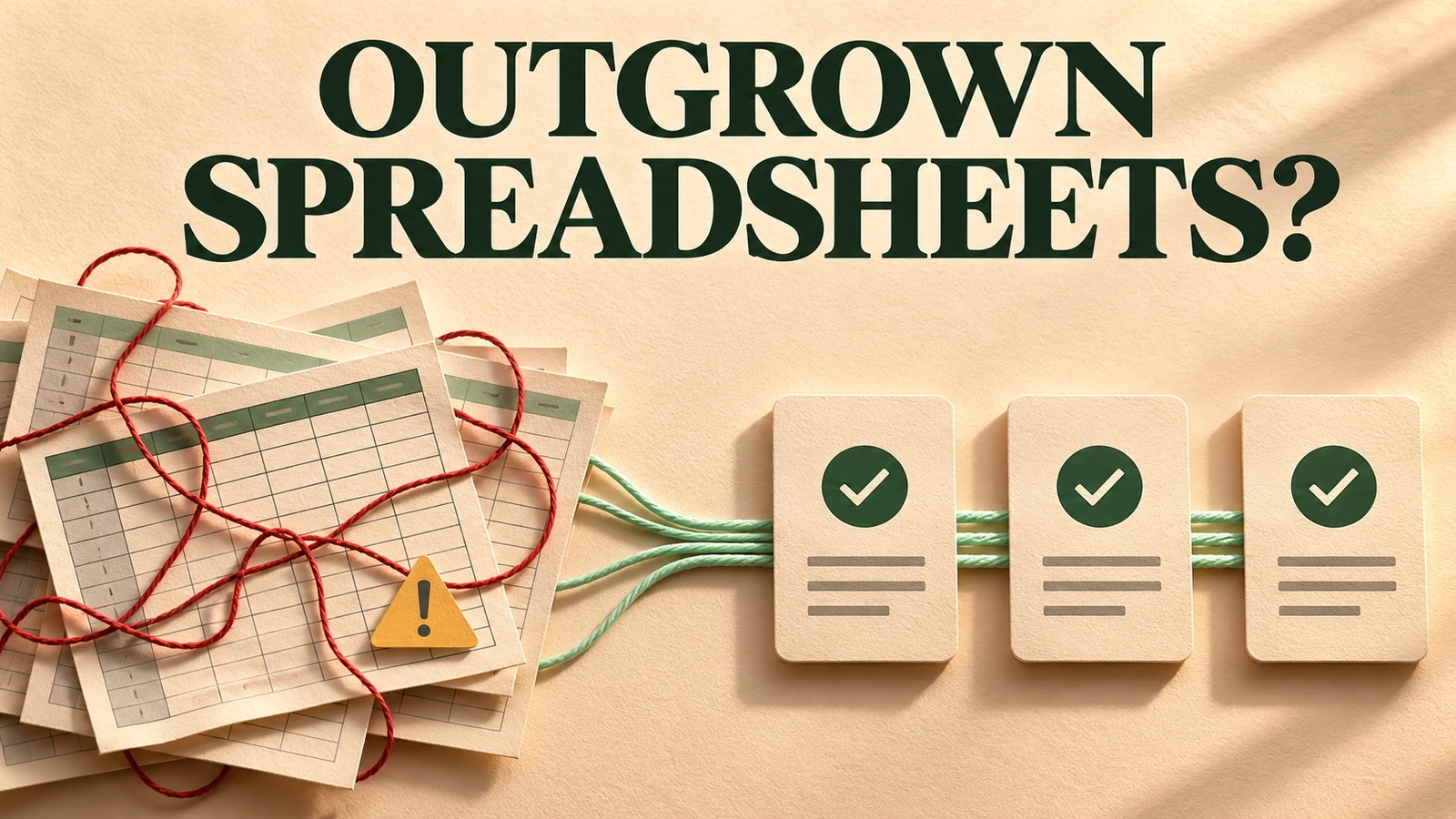
A spreadsheet becomes a reason to consider an internal app when the business depends on rules the file cannot reliably enforce. The warning is usually a failed handoff: someone approves an old version, staff copy sensitive records into another workbook, or a change reaches customers before anyone notices it.
Size alone is a poor test. A large workbook used by one analyst may be perfectly appropriate. A small sheet used by sales, operations and finance to authorize customer work may already need stronger controls. Start by identifying which business promises depend on the sheet, then decide how to protect them.
Look at the workflow around the cells
Consider an illustrative installation company. Sales enters a customer's order, operations schedules a crew, and finance checks the deposit. The spreadsheet contains the address, equipment, agreed price and installation date. Nobody finds it particularly difficult to use.
The trouble begins when a salesperson changes the equipment after the crew has downloaded its schedule. Finance marks the deposit as received in a separate copy. The operations manager sees a green cell and assumes both checks are complete. Each person has done something reasonable, but the overall process no longer has a dependable state.
The business needs to distinguish a requested installation from an approved installation, and an approved installation from one already assigned to a crew. Those distinctions must survive changes, absences and simultaneous edits. A nicer grid does not automatically provide them.
Identify the consequences you need to prevent
Review a few recent mistakes and near misses. Record what changed, who relied on it, how the problem was discovered and what recovery required. Include time spent checking records even when no error reached a customer. That repeated checking is part of the operating cost.
- Which fields determine money, customer commitments or access to private information?
- Who is allowed to change those fields, and at which stage?
- What must be checked before a record moves forward?
- Which changes should invalidate an earlier approval?
- Can the team reconstruct what happened without asking the person who remembers it?
These questions produce requirements that can be tested. “Make operations easier” is difficult to accept or reject. “Changing the quoted equipment sends the job back for approval and prevents dispatch until approval is restored” describes a behavior a supplier can demonstrate.
Improve the spreadsheet before replacing it
Modern spreadsheet tools offer useful collaboration and validation features. Excel, for example, supports data validation, and supported setups allow co-authoring. If your problem is inconsistent date entry or staff working from emailed attachments, better use of existing features may remove much of the friction.
Try one controlled source, an agreed owner, clearer columns, restricted sharing and a documented approval procedure. Remove unnecessary copies. Separate experimental analysis from the operational records people act on. Check that formulas still behave correctly after common edits.
Be precise about the protection you obtain. Microsoft explicitly distinguishes worksheet protection from security for sensitive information. Preventing accidental edits to a cell is different from enforcing which customer records a person may access. Evaluate the actual permissions and sharing behavior of the chosen tool.
If simple improvements solve the problem at an acceptable level of risk, keep them. Replacing a familiar tool has a cost, including training, migration and the temporary loss of the team's ability to improvise.
Compare a packaged system with a custom app
Before commissioning software, check whether an established product already fits the workflow. A scheduling platform, inventory system or CRM may cover the important controls and provide a supported operating model. Test the difficult cases rather than accepting a polished demonstration of the normal path.
Custom software becomes more attractive when your valuable process differs materially from what packaged products support. Perhaps pricing depends on several internal systems, approvals vary by contract, and dispatch requires a customer-specific document. The case for development is the cost and importance of those differences.
Account for the full ownership burden. Someone must maintain access rules, dependencies, backups, integrations and support procedures. A custom app can encode a process accurately while still becoming expensive to operate. Ask who will own those responsibilities before approving the build.
Scope one complete workflow
For the installation example, a sensible first version might cover job creation, deposit confirmation, equipment approval and dispatch. It would show staff what is waiting, explain blocked transitions and record important changes. It would not need to replace every financial report or planning spreadsheet.
Model the exceptions explicitly. A customer changes their address. A deposit is reversed. Two managers try to assign the same crew. A job is canceled after materials have been ordered. Decide which actions are reversible, which require approval, and which must preserve a historical record.
Give each record a stable identifier. Define the states it can occupy and the transitions allowed between them. Validate consequential changes on the server, where the business rules can be enforced independently of what the screen displays. These are core controls, even if the interface remains simple.
Move the data with a reconciliation plan
A spreadsheet often contains implicit meanings: a blank field means “not checked,” one color means “waiting for a call,” and a note overrides the amount in another column. Document these conventions before importing anything. Otherwise the new system can faithfully copy the values while losing their meaning.
Choose who resolves duplicates, incomplete records and ambiguous statuses. Reconcile counts and representative records after import. For active work, verify the fields that determine what happens next, including outstanding commitments and approvals.
If you run both systems during a pilot, designate which one is authoritative for each operation. Uncontrolled dual entry creates another synchronization problem. Give the pilot a defined end, a recovery procedure and a person who can decide whether it is ready to expand.
Judge the app by reduced uncertainty
Compare the new workflow with a recorded baseline. Useful measures include time waiting for approval, records requiring correction, duplicate entry and the effort needed to answer a customer's status question. Count operating and support costs alongside the benefits.
The strongest result is often that staff can trust the state of the work without calling three colleagues. If the app preserves that trust through changes and exceptions, it has earned its place. If it merely displays the same uncertainty in a more expensive interface, the underlying process still needs attention.
Frequently asked questions
How many rows mean we need an app?
There is no useful universal cutoff. The number of users, consequences of mistakes, access boundaries and complexity of approvals matter more than row count. Identify failures the current setup cannot adequately prevent.
Should a custom app eliminate all spreadsheets?
No. Spreadsheets remain valuable for analysis, exports and occasional planning. Decide which operational records the app owns, and make exports clearly distinguishable from the authoritative system.
Is a no-code tool a reasonable intermediate step?
It can be. Test permissions, change history, integrations, export and the difficult workflow cases. Include licensing and maintenance in the comparison rather than judging only the initial setup effort.
What should we prepare before requesting a quote?
Bring a sanitized example of the workbook, a map of who does what, several real exceptions and the business consequences of failure. Explain what must improve and what already works well.