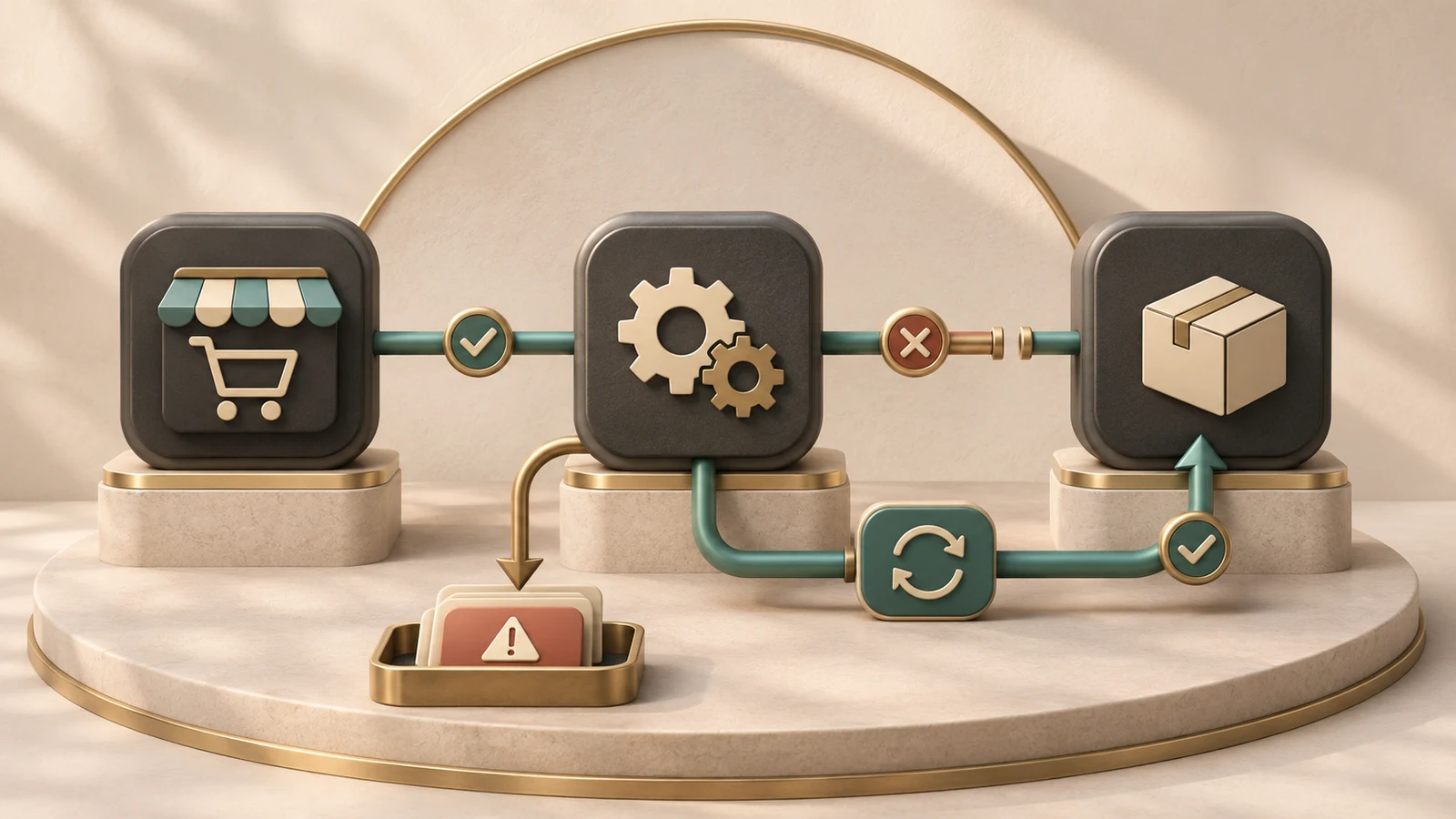
A reliable Shopify integration does more than move information when everything works. It identifies failures, avoids repeating important actions and gives the team a way to reconcile systems when they disagree.
Most integration problems become visible as business problems: an invoice is missing, inventory looks wrong, an order appears twice or support cannot explain a status. The connection may still be running. That does not mean the workflow is correct.
Before buying another connector or rebuilding the existing one, establish what each system is responsible for and where the records begin to diverge. The right correction depends on that evidence.
Start with a map of the workflow
An illustrative order flow might run from Shopify to fulfilment, accounting and a customer-management system. Each destination needs different information and may consider the order complete at a different moment.
Write down what triggers each step, which fields are required and what result counts as success. Include cancellations, edits, refunds and records that cannot be processed. A map covering only the successful new-order path leaves much of the actual operation undefined.
Give each record a traceable identity across systems. Staff should be able to start with a Shopify order and find the related operation elsewhere without searching by an unreliable combination of names and dates.
Decide which system owns each fact
Two systems can both hold a customer address without both being entitled to overwrite it. Establish where each field is maintained and which direction updates should travel.
For example, a warehouse may own shipment status while Shopify owns the original order. A CRM may contain a sales note that should never be replaced by a commerce update. Those are business decisions, not details a connector should invent.
Also decide what happens when people edit records in both systems. A silent “last update wins” rule can erase meaningful work. If conflicts require human review, make that visible and assign responsibility.
Treat notifications as signals to process carefully
Shopify's webhook guidance includes verifying deliveries and recognizing duplicates. A notification reaching your service should therefore not be treated as permission to repeat an irreversible business action without checking its identity and current state.
The implementation should distinguish receiving a notification from completing the work it triggers. If an invoice cannot be created immediately, the system needs a durable record of that unfinished operation and a way to retry or escalate it.
This is not a promise that every notification system behaves identically. The developer should follow the documented guarantees and requirements of each provider. The business should ask what those guarantees mean for its workflow.
Make retries safe
Suppose an accounting service creates an invoice, but the integration loses the response. Retrying blindly could create a second invoice. Doing nothing could leave staff believing the first attempt failed.
A safe design uses the identifiers and duplicate-prevention mechanisms available in the connected systems, with a recorded outcome. Where uncertainty remains, it should reconcile the result or route it for review rather than guessing.
Ask the developer to explain a repeated operation in plain language. What identifies it? What result is saved? How does the system know whether it has already happened? A vague assurance that errors are retried is not enough.
Plan for unavailable systems
A third-party service can slow down, reject a request or become temporarily unavailable. The integration should have a defined response: preserve unfinished work, apply an appropriate retry policy and alert the right person when intervention is required.
Not every failure deserves another immediate attempt. Invalid data may need correction. Revoked access needs a different response from a temporary connection failure. Repeatedly retrying a permanent problem can create noise and obscure the actual issue.
Define how long the business can tolerate each delay. Accounting updates and time-sensitive fulfilment may have different requirements. The design should reflect the consequence rather than treating every message as equally urgent.
Reconciliation catches quiet failures
Monitoring asks whether the process appears healthy. Reconciliation asks whether the systems agree about the work that matters. Both are necessary because an integration can report success while mapping a field incorrectly.
A reconciliation process might compare accepted orders with corresponding fulfilment records, then list missing or inconsistent entries. Compare meaning as well as counts: the same number of records does not prove that they refer to the same customers or amounts.
The frequency should follow business risk and transaction patterns. A human-reviewed exception list can be a sensible first version. The essential requirement is that discrepancies are discoverable and resolvable.
Give staff a useful failure view
An error message saying “request failed” leaves the business dependent on a developer for every investigation. Staff need an understandable status, the affected record, the last attempted action and a safe next step.
The view should protect sensitive information. Helpful support tools do not need to reveal every credential, raw payload or customer detail. Decide which role can inspect or retry which operation.
Record manual corrections too. Otherwise the integration and the staff can repeatedly undo each other's work, while neither side has a clear history of what happened.
Test changes against difficult records
Use examples that include modified orders, missing optional information, unusual characters, cancellations and repeated events. Test what happens when a destination rejects one record in a larger group.
A changed field mapping can affect existing records as well as new ones. Plan whether historical data will be updated, how the change will be checked and how to stop a bad import before it spreads.
For a replacement integration, rehearse with representative records and compare results before changing the production flow. Avoid running two systems that both perform the same action unless duplicate prevention is deliberately designed.
Buy an operating process, not a connection diagram
The delivery should include field mappings, access requirements, failure behaviour, monitoring, reconciliation and a handover. Name who maintains it when APIs or business rules change.
An existing connector may already provide much of this and be the right choice. Custom work is justified when the requirements or exception handling need something materially different. Either way, assess the complete workflow.
The goal is not an integration that never encounters an error. It is an integration that makes errors manageable before customers and staff have to discover them by accident.
Frequently asked questions
Why do duplicate records appear?
Possible causes include repeated events, unsafe retries, overlapping integrations or inconsistent record matching. Inspect the actual sequence before selecting a fix.
Can a connector guarantee that every system is always in sync?
Ask what the guarantee covers. Updates can take time and systems can fail. Defined reconciliation and recovery are more useful than an unexplained promise of permanent synchronization.
Do we need custom development?
Not always. First compare the existing tool's supported behaviour with the documented requirement. Configuration or process changes may resolve the gap.
What should an integration alert contain?
Enough context to identify the affected operation and responsible person, with an actionable next step and appropriate protection for customer information.
Who should own the integration after launch?
Name both a business owner for the workflow and a technical owner for operation and changes. One person may cover both roles in a small organization, but neither responsibility should be undefined.