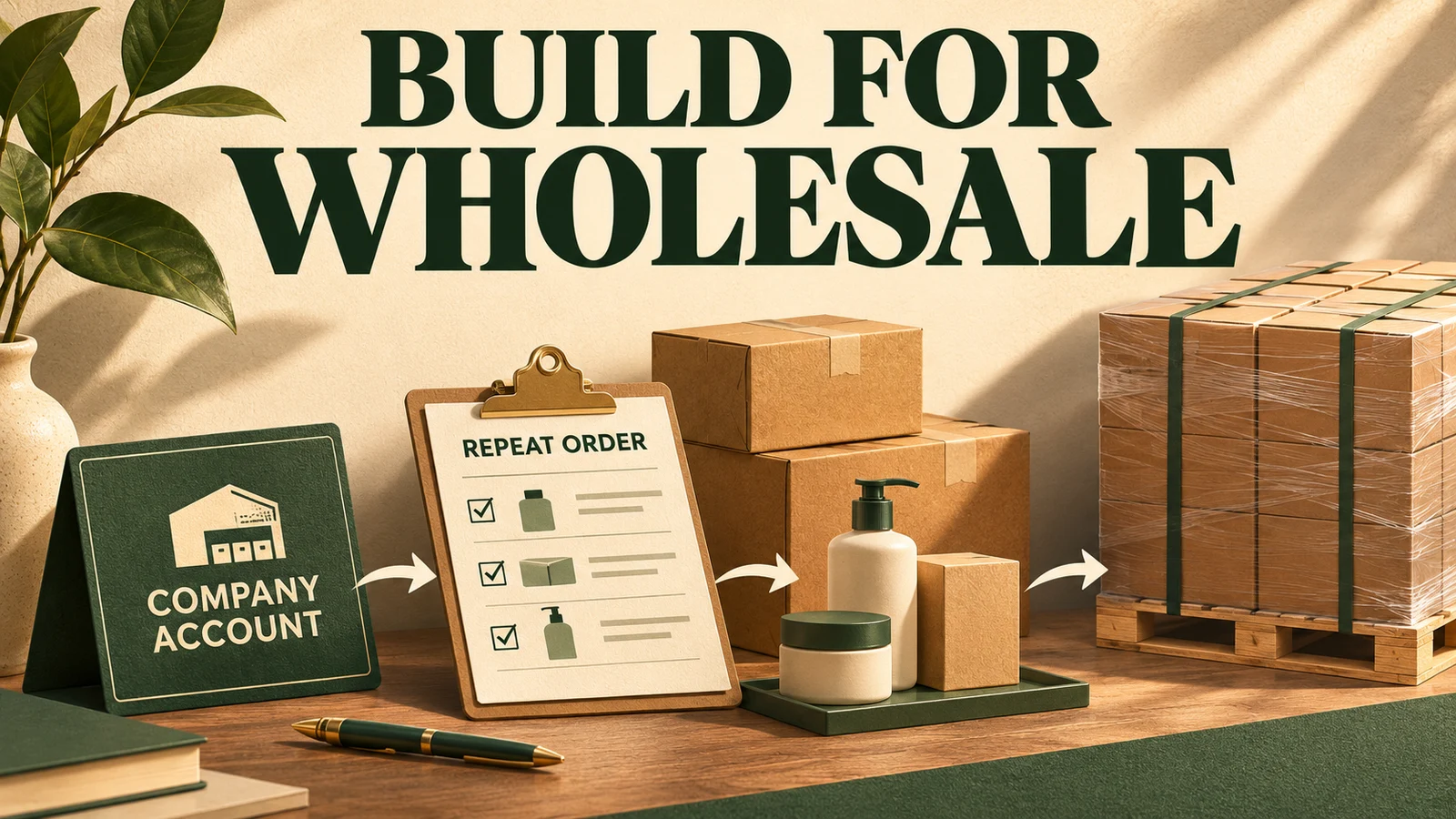
A wholesale Shopify project should begin with how a business customer buys: who signs in, which products and prices they see, whether someone must approve the order, and how the order reaches fulfillment and accounting. Designing those steps first makes the choice of plan, apps and custom development much clearer.
Wholesale is rarely just a retail storefront with a discount. One company may have several buyers, delivery locations and purchasing arrangements. The store needs to represent those relationships accurately enough that staff can operate the process without correcting every order by email.
Start with the actual purchasing sequence
Imagine an illustrative supplier selling consumables to a group of maintenance companies. A site manager selects stock, a purchasing office supplies a purchase-order number, and the finance team expects an invoice under agreed terms. Some products are sold only in case quantities.
Map that sequence before deciding what the storefront should look like. Identify where a quote becomes a commitment, who can request a delivery address change, and what the warehouse needs before it can ship. Include the salesperson's involvement if negotiated orders are part of the business.
Then walk through a second customer with different arrangements. A design that works only for the simplest buyer can create substantial manual work as soon as other customers join.
Separate the company from the person signing in
A personal customer account does not fully describe a business relationship. Define the company, its locations and the people authorized to buy for each location. Decide who maintains those relationships when staff leave or responsibilities change.
Shopify's native B2B model uses companies and company locations. Its current documentation also describes location-level permissions. Match that model against your real purchasing structure rather than inventing an app-based workaround before reviewing what is already available.
Test what each user can see and do. A buyer responsible for one branch should receive the intended catalog, pricing and ordering options for that context. Confirm that changing context does not silently produce an order for the wrong location.
Choose a plan from verified requirements
As checked on November 11, 2026, Shopify documents B2B availability on Basic, Grow, Advanced and Plus, with important differences by plan. Older advice that treats all native B2B as Plus-only can lead to an inaccurate project estimate.
For example, direct catalog assignment to individual companies or company locations is a Plus feature. Shopify also distinguishes catalog limits and advanced payment capabilities across plans. A general requirement for wholesale ordering is different from a requirement for individually negotiated catalogs.
Build a feature-to-requirement checklist using the current documentation and the actual store. Include existing apps, regional availability and the intended checkout experience. Confirm the difficult requirements before committing to a subscription or development approach.
Make product and pricing rules explicit
List which customers receive which products and prices, and who approves changes. Record minimum quantities, increments and volume breaks where they matter. If the sales team negotiates exceptions, describe how those exceptions become an authorized order.
Shopify catalogs support product and pricing selection, and its B2B documentation describes quantity rules and volume pricing. These features need correctly structured information. A product sold in packs of twelve can still produce confusion if its description, unit price and ordering controls imply different units.
Give customers enough context to understand the purchase. Show the selling unit, any important constraints and the price that applies to their situation. Test an order containing several products with different rules, rather than checking one isolated item.
Distinguish a quote from an approved order
Some businesses want buyers to place orders directly. Others need an internal review before confirming availability, freight or final pricing. Decide which model applies to each customer group.
Shopify supports draft-order workflows, including review of submitted B2B orders. That does not automatically reproduce every company's approval hierarchy. A buyer's own purchasing department may require a separate approval process, and a seller may need to validate a negotiated exception.
Define the status visible to each party. A request awaiting review should not look like a confirmed delivery commitment. Explain what the customer can change, what requires a new review and how they learn that the order has progressed.
Design repeat purchasing deliberately
Repeat ordering is one of the most useful wholesale journeys to examine. The customer may want to buy a previous basket, enter known product codes or replenish a standard list. Build around the method customers actually use.
A repeat order should still be evaluated against current products, prices and availability. An older order can contain a discontinued item, an obsolete delivery address or terms that no longer apply. Show those differences before the buyer commits.
For the maintenance supplier, a useful acceptance case is a repeat order whose quantities need adjustment to meet current pack rules. The customer should understand the required change without losing the rest of the basket.
Connect the order to operational ownership
Identify which system controls credit decisions, stock, invoices and fulfillment. Describe what the storefront must display and which actions staff perform elsewhere. This prevents the project from promising a fully automated purchasing journey while relying on undocumented manual checks.
Choose a few representative orders and follow them through the complete operation. Check identifiers, line items, addresses and status changes. If a downstream system is unavailable, decide whether the order waits, continues with a warning or requires staff attention.
Do not assume every unusual process needs custom code. An existing platform feature, a suitable app or an agreed manual review can be the right answer. Custom development should address a demonstrated gap with a defined owner and maintenance plan.
Rehearse the buyer's exceptions before launch
Test a new company, an existing company with several locations, a restricted buyer, a negotiated quote and a repeat order with changed products. Include the wrong purchase-order format, an unavailable item and a delivery change after submission.
Have sales and operations inspect the outcome together. A storefront can feel convenient to the buyer while creating an unusable order for the warehouse. Acceptance should cover both sides of that handoff.
The best starting specification is a set of purchase journeys with clear rules and outcomes. Once those are agreed, design and development have a dependable target, and the business can judge whether the finished store actually supports wholesale work.
Frequently asked questions
Do we need Shopify Plus to sell wholesale?
Not automatically. Shopify currently offers native B2B on several plans. The right plan depends on the particular catalog, payment and experience requirements, so verify the current feature matrix before choosing.
Should wholesale and retail use separate stores?
Either can be appropriate. Compare the product range, pricing, content, operations and team responsibilities. Shopify supports both blended and dedicated B2B approaches; test the consequences for your own business.
Can draft orders replace every approval process?
No single status should be assumed to cover every approval. Map seller review, buyer authorization and any external purchasing process separately, then determine which platform features or integrations support them.
What should we bring to a Shopify B2B discovery session?
Bring sanitized examples of orders, quotes, price lists and customer structures. Include several exceptions, existing systems and the steps staff currently perform outside the store.