
Webflow Connector in Claude: Can You Vibe Code Your Site Now?
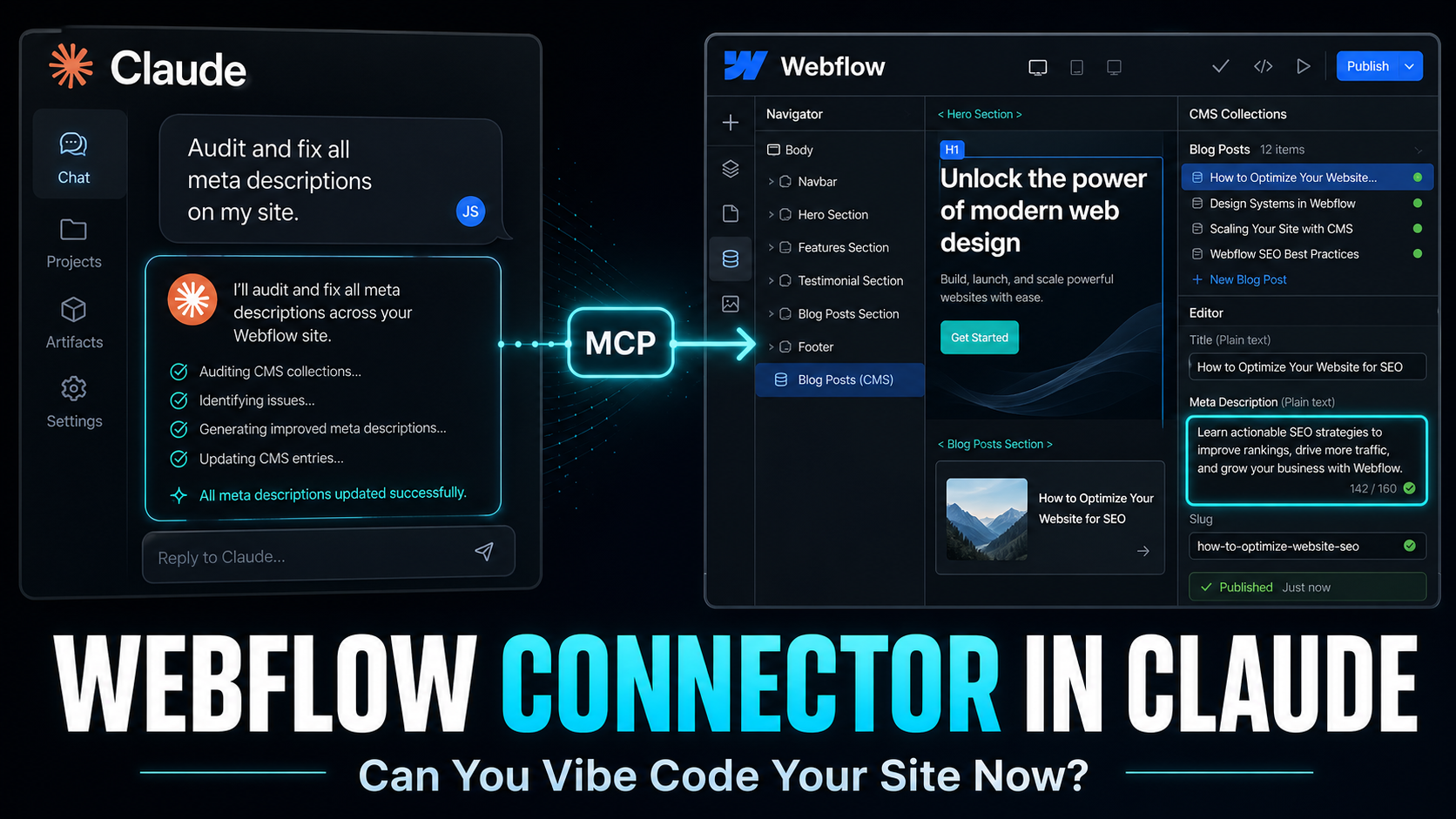
In February 2026, Anthropic and Webflow shipped something a lot of builders had been waiting for: a native Webflow connector inside Claude.
Not a Zapier hack. Not a terminal-only Claude Code config. A first-party connector you can switch on in the Claude app and start prompting against your live site.
The pitch is simple. Tell Claude what you want, Claude talks to your Webflow project, your CMS gets updated, your pages get changed, your styles get cleaned up.
So the real question is the one everyone is asking: can you actually vibe code in Claude and see the changes show up in Webflow?
Short answer: yes, with caveats. Long answer is the rest of this article.
What the Webflow connector actually is
The connector sits on top of Webflow's MCP server. MCP, Model Context Protocol, is the open standard Anthropic introduced to let AI models talk to outside tools through a clean, structured layer.
Webflow exposes two API families through that server:
The Data API, which handles your CMS, collections, items, pages, SEO metadata, and custom code.
The Designer API, which handles the actual canvas. Elements, styles, CSS variables, components, breakpoints.
When you turn the connector on inside Claude, you authorize specific sites through OAuth, and Claude can start reading and writing on your behalf.
The framing matters here. This is not Claude rendering a preview of your site. Claude is calling real Webflow APIs, in your account, with your permissions. What you see in Webflow after the call is the actual change.
How you set it up
The whole thing is meant to take a few minutes.
Inside Claude, you open the connectors panel, find Webflow in the directory, click connect, and run through the OAuth flow. You pick which sites or workspaces Claude is allowed to touch.
If you want Claude to make visual changes on the canvas, you also need to open the Webflow Designer and launch the MCP Bridge App, which is the small companion app that keeps Claude and your live canvas in sync.
For pure CMS or SEO work through the Data API, you do not need the Designer open at all. You can sit in Claude and let it work in the background.
There is one prerequisite worth flagging up front: this needs a paid Claude plan. Free Claude does not include connector access at this level.
Can you vibe code Webflow from Claude?
This is the part everyone wants the honest answer on.
Yes, you can prompt Claude to build sections, create elements, set styles, and update content on your Webflow site, and the changes really do appear. The Designer canvas refreshes, the CMS updates, the site reflects what Claude did.
But "vibe coding" in the Lovable or v0 sense, where you describe a whole product and a working interface drops in seconds, is not quite where Webflow MCP is yet.
Here is the split based on what is shipping today:
The Data API side is solid. CMS items, collections, blog posts, product entries, meta titles, meta descriptions, custom code. Claude can read it, write it, batch update it, and audit it at scale. This is production ready for most content and SEO work.
The Designer API side is real, but less mature. It can create and modify elements on the canvas, but complex style operations sometimes fail. Picking up a deeply nested style or working with intricate component structures can hit limits. People building with it daily describe it as useful but not yet bulletproof.
So the honest version: you can vibe code a hero section, a CTA, a landing page skeleton, a CMS-driven collection, and an SEO sweep across your site. You probably do not want to vibe code an entire complex site redesign and walk away.
What it is genuinely good at right now
A few things stand out from how teams are actually using it.
CMS work at scale. Creating dozens of items, updating fields across an entire collection, restructuring your blog, generating content variants for local landing pages. This used to be the slowest part of running a Webflow site. Now you describe the change, Claude does it, you review.
SEO audits and fixes. Claude can scan every page, find missing alt text, broken links, weak meta descriptions, titles that are too long, and apply fixes with your approval. Doing this manually for a 200 page site is a week of work. Doing it with the connector is an afternoon.
CSS class and variable hygiene. Sites that have been live for a year or two end up with messy class systems. Duplicate classes, hardcoded values that should be variables, naming that drifts over time. Claude can audit all of that and propose cleanups.
Content migration. Teams pulling pages out of WordPress and reformatting them for Webflow, with redirects and cleaned-up HTML, can compress that work down significantly.
Templated page generation. If you already have a pillar page and a few well-built variants, Claude can read those, identify the structure, and generate new pages in the same shape with the right metadata. This is where the "sit Claude on your existing CMS and ask it to write the next 20 pages in your house style" workflow really lives.
Where it still breaks
Worth being upfront about the limits.
The MCP Bridge App needs to stay open in the Designer for any canvas work. Close it and the connection drops. This is a small thing, but if you forget, your prompts will not do what you expect.
The Designer API does not cover every endpoint yet. Some style operations, complex component manipulations, and certain advanced layout moves still fail or get partial results.
You cannot create new localized CMS items through MCP yet. You can read and update existing ones in secondary locales, but new locale items still need to go through the Webflow UI.
Output quality is heavily prompt-dependent. Vague prompts give you generic Webflow output. Precise prompts that reference your existing design system, your variable names, your component patterns give you something that actually fits your site.
And the obvious one: Claude is acting on a live site with real permissions. You want approval mode on, especially early. You do not want a confidently wrong agent rewriting production CMS content with no human in the loop.
Why this matters for builders, agencies, and freelancers
Step back from the demo and look at what changed.
For agencies, the bottleneck on Webflow projects has historically been the long tail of repetitive work. Building 30 location pages, doing CMS migrations, running SEO sweeps, cleaning up class systems, generating content variants. The creative and structural work was always the interesting part. The grind was everything around it.
The connector compresses the grind.
For freelancers, this changes pricing conversations. If a job that used to take two weeks now takes four days, you either bill the same and free up your calendar, or you bill differently because the value you deliver is no longer measured in hours of CMS data entry.
For founders running their own Webflow sites, this is the bigger shift. You can now realistically operate a content-heavy site, with proper SEO and a clean structure, without hiring someone to maintain it. Describe what you want, Claude does it.
This is consistent with the broader pattern across the AI tooling space right now: AI is moving from suggestion to execution. Less "here is what you should do" and more "I did it, here is what changed, approve or revert."
How it compares to Claude Code on Webflow
Worth a quick note since people get confused.
Claude Code is the terminal-based developer tool. To use it with Webflow you install Node.js, configure the MCP server manually, run commands, and operate inside a coding workflow. It is great for developers who want to script complex flows, build their own integrations, or chain Webflow with other systems.
The native Claude connector is for everyone else. You activate it in two clicks from the Claude chat window, no terminal, no config file. For 95% of CMS, SEO, and content work, this is the right path.
Both options end up calling the same MCP server. The difference is the wrapper around it.
Takeaways
The Webflow connector in Claude is real, it is shipping, and it works for the bulk of CMS and SEO work today.
It is not a full vibe coding replacement for the Webflow Designer if you want to build a complete site visually with no human input. The Designer API is still maturing.
It is a serious time saver for content operations, SEO audits, class system cleanup, page generation, and CMS migrations.
The strategic angle is that Webflow is positioning itself as the platform where you can vibe code something and still have a properly structured site you can edit, refine, and own afterwards. That is a different bet than pure code-generation tools where the output is a black box.
If you run a Webflow site and have not turned this on yet, it is worth the five minutes. Start with read-only audits, get comfortable with how Claude reasons about your project, then graduate to write operations once you trust the workflow.
The bigger story is that the boring parts of running a Webflow site are quietly getting automated away. Whether you treat that as a threat or as leverage depends on what you build with the time you get back.