
Programming Has Changed Since AI Agents Arrived (And Comparing 2021 to 2026 Misses the Point)
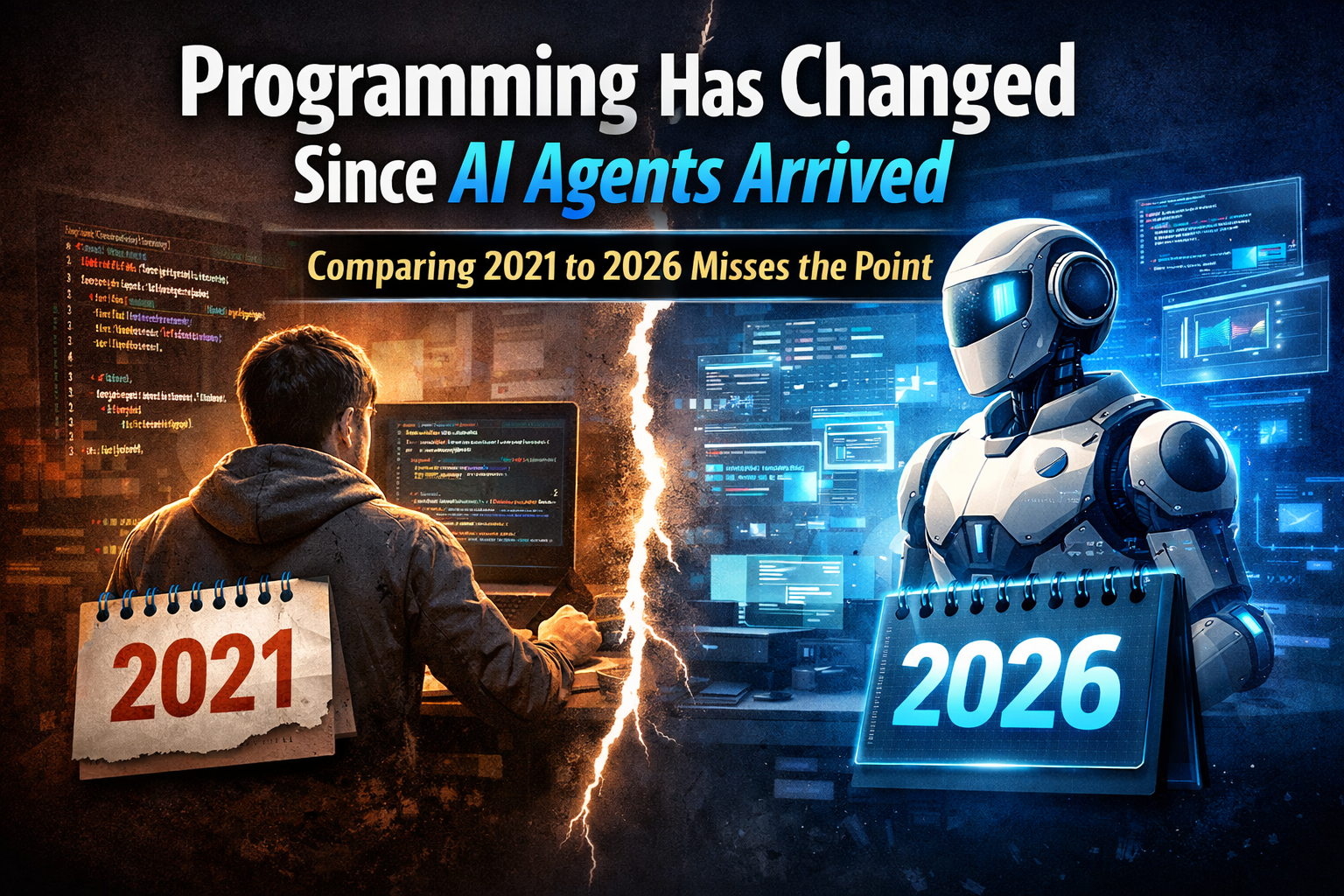
The comparison that keeps showing up (and why it’s flawed)
Since AI agents started becoming practical for everyday software work, I keep seeing the same argument:
People compare a “static” version of programming from 2021 with what AI-assisted development looks like in 2026, and then conclude that developers are “getting replaced.”
That comparison leaves out a huge variable:
Programmers adapt. Fast.
Unlike AI models, developers don’t have a “training ended” timestamp. We don’t freeze at the practices of a specific year. We adopt new tools, learn new workflows, and adjust our standards constantly.
So framing it like “developers are stuck in 2021” doesn’t match reality. If anything, developers are among the biggest power-users of AI agents.
And this isn’t new. Programming in the 90s wasn’t the same as in 2021. And 2021 isn’t the same as 2026.
What actually changed with AI agents
The biggest shift is not “AI can write code.”
The shift is AI can participate in a loop:
generate a draft
refactor it
write tests
explain it
hunt bugs
propose alternatives
apply changes across a codebase
keep iterating with feedback
That makes AI agents feel less like autocomplete and more like a junior teammate that can move very fast, but still needs direction and supervision.
In real work, this changes the daily workflow:
You can prototype faster.
You can explore more solution paths quickly.
You can offload repetitive glue work.
You can get instant explanations across unfamiliar parts of a system.
You can accelerate migrations, refactors, and documentation.
Used well, agents reduce busywork and increase output.
“Training ended” is a limitation for models, not for developers
A lot of the “AI replaces programmers” narrative comes from treating developers like they are stuck in older habits.
But the people who adopt AI agents the fastest are often:
engineers
product builders
technical founders
power users who already know how to debug, test, and ship
So when someone says “a regular person can vibe-code a website now,” my reaction is:
Sure. And if a non-programmer can do that, imagine what a professional developer can do with the same tools, plus real architecture, debugging, and product sense.
The uncomfortable truth: layoffs and unrealistic expectations are real
There is a downside to this shift.
Some companies that invested heavily in AI infrastructure and scaling costs also started tightening budgets and cutting headcount. In a few places, developers were part of those layoffs.
But there’s another pattern I’ve seen: unrealistic expectations.
Some teams give AI agents too much control over production code without understanding current AI limitations. They underestimate the role of programmers because they think programming is mostly syntax, like writing English.
That misunderstanding causes bad decisions.
Because software is not just syntax.
Software is much more than “writing code”
Code is the visible output, but professional software is the invisible layer underneath:
architecture and trade-offs
debugging and root-cause analysis
performance and scalability
security and threat modeling
testing strategy and coverage that matters
reliability and observability
maintainability over months and years
deciding what not to build
AI agents can help with many of these, but they don’t own them.
A system that “sort of works” is not the same as a system that survives real users, edge cases, and growth.
Where AI agents help the most (in real projects)
In my own work, agents are at their best when they amplify engineering judgment:
Scaffolding and boilerplate
faster setup for components, routes, models, and integrations
Refactoring
consistent changes across multiple files, with less manual effort
Test generation
especially when you already know what good tests should look like
Debug assistance
hypotheses, reproduction steps, log interpretation, narrowing down suspects
Documentation and onboarding
turning tribal knowledge into written notes, faster
These are all “high leverage” tasks where speed matters, but correctness still depends on a developer.
Where teams get burned
The common failure mode is giving agents authority without guardrails:
large changes with no small checkpoints
no tests, or tests that don’t validate real behavior
“looks correct” code that breaks edge cases
security oversights
hidden performance regressions
confident explanations that are subtly wrong
AI can be extremely persuasive. That’s why human review and verification matter more, not less.
A practical way to use agents without losing quality
If you want AI agents to increase speed and keep standards, a simple approach works:
Start with a clear spec (inputs, outputs, constraints, edge cases)
Ask for small, reviewable diffs
Require tests (and verify they fail before the fix and pass after)
Run the code locally, don’t trust the narrative
Use linters, type checks, and CI like usual
Treat the agent like a fast assistant, not a decision maker
In other words: AI accelerates the work, but engineers still drive the process.
The real takeaway
AI agents are powerful leverage.
They can absolutely increase productivity, and the value you get relative to their usage cost can be impressive.
But they don’t replace engineering judgment.
They amplify it.
Teams that treat AI as “replacement” tend to get fragile systems, messy codebases, and expensive rewrites.
Teams that treat AI as “leverage” tend to ship faster with better iteration loops.
Programming changed. The job evolved. The best developers are adapting, like they always have.