
What Is OpenClaw? (And Why It Got Popular So Fast)
OpenClaw in one sentence
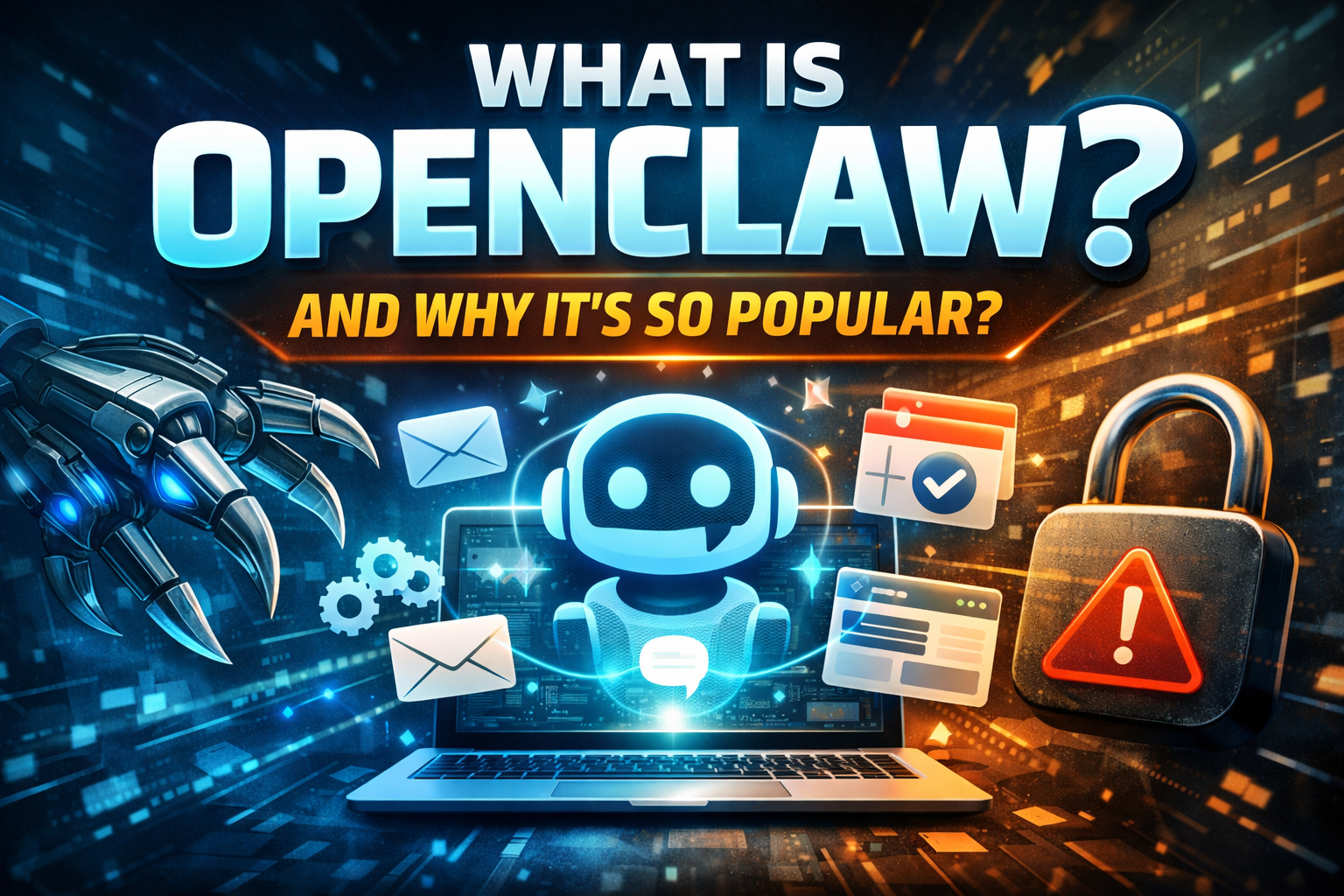
OpenClaw is a personal AI assistant you run on your own machine (or server) that you talk to through WhatsApp/Telegram/Slack/etc - and it can execute real actions through “skills” instead of only chatting.
If ChatGPT is “AI that answers,” OpenClaw is closer to “AI that does things.” That’s literally how it’s marketed: clearing inboxes, sending emails, managing calendars, checking in for flights - from the chat apps you already use.
What OpenClaw actually is (under the hood)
At a practical level, OpenClaw is an agent platform with a few key pieces:
A local-first “Gateway” (control plane) that runs on your device/server and manages sessions, channels, tools, and events.
Chat “channels” (WhatsApp, Telegram, Slack, Discord, Google Chat, Signal, iMessage/BlueBubbles, Teams, and more) so the assistant can live where you already communicate.
Skills/tools that let the agent call APIs, control a browser, run workflows, and (optionally) interact with your files/terminal.
An LLM “engine” behind it (you connect it to the model/provider you want), while OpenClaw handles the “agentic” parts: orchestration, memory/history, tool-calling, routing, etc.
So the “magic” isn’t just the model - it’s the plumbing that turns a model into a persistent, tool-using assistant in your daily workflow.
Why OpenClaw exploded in popularity
OpenClaw didn’t win because it’s the smartest chatbot. It won because it nailed the distribution + usefulness combo.
1) It moved from “chat” to “actions”
People have been waiting for AI to stop being a clever text box and start behaving like a real assistant. OpenClaw’s whole identity is “do things” - email, calendar, automation, browser control.
That shift is exactly what made it feel like a step-change (and also why it spooked security folks).
2) It lives inside chat apps people already use
Instead of forcing a new UI, OpenClaw shows up in WhatsApp/Telegram/Slack/Discord/etc. That sounds small, but it’s huge: zero behavior change.
3) It’s open-source, hackable, and community-amplified
OpenClaw is MIT-licensed, and the repo has become a monster: ~208k GitHub stars and ~38k forks (as shown on GitHub right now).
That kind of momentum creates a flywheel: more contributors → more skills → more demos → more stars → more contributors.
4) Setup is absurdly easy (for what it is)
The official launch post pushes a single-command install (curl ... | bash). Love it or hate it, that “instant onboarding” massively lowered friction for early adopters.
5) It became a story, not just a tool
In February 2026 the creator, Peter Steinberger, announced he’s joining OpenAI and OpenClaw is moving into a foundation model (still open-source, with OpenAI support). That’s rocket fuel for attention.
Reuters also cited the viral curve: OpenClaw launched in November and quickly pulled 100k+ GitHub stars and millions of visitors in a week during the spike.
6) Controversy + “this feels dangerous” also drove sharing
OpenClaw’s power comes from access: inboxes, calendars, tokens, tools. That creates real risk, and the risk itself became part of the virality.
The Guardian described rapid adoption and highlighted how “minimal input + big permissions” can go wrong fast.
China’s industry ministry publicly warned about misconfiguration risks and data breaches.
The part most people ignore: security is not optional
When an agent can take actions, “prompt injection” isn’t just embarrassing - it’s operationally dangerous.
CrowdStrike warns that locally deployed agents often get broad access (terminal/files, sometimes elevated privileges), and that exposed/misconfigured instances can become a powerful “backdoor agent” controlled through direct or indirect prompt injection.
TechRadar reported real-world infostealer activity where attackers exfiltrated OpenClaw configuration data (API keys/tokens), which could grant access to linked services like messaging and calendars.
Even the OpenClaw repo itself stresses that inbound DMs are untrusted input and ships defaults like DM pairing (unknown senders get a pairing code; the bot won’t process messages until approved).
Practical safety rules (if you try it)
Treat it like giving a junior employee access to your accounts - least privilege always.
Don’t connect “god-mode” credentials (email admin, finance, production infra) unless you really know what you’re doing.
Keep the gateway off the public internet unless you understand hardening.
Assume anything in your config (tokens/keys) is valuable to attackers - because it is.
So… should you care?
If you’re a developer, founder, freelancer, or power user, OpenClaw matters because it’s a clear signal of where assistants are going in 2026:
chat UI as the front door
agents that execute
skills/tool ecosystems
local-first control planes
security becoming the main bottleneck
Even if you never install OpenClaw, the “AI that does things” model is now mainstream - and every product in productivity, automation, and support is going to be measured against it.